close
CHOOSE YOUR MEXEM
ACCOUNT TYPE


Kérjük, a regisztráció során ne használjon ékezetes betűket!
Por favor, ingrese sus datos sin acentos, tildes ni caracteres especiales
close

Have a question? You can either explore our Support Page or you can send us a message using the form below.
MEXEM`s professional Asset Management.
A Smarter Way to Manage Your Portfolio.




MEXEM’s asset management is supported by WisdomTree, a global asset manager with over $150 billion under management globally. A dedicated Investment Committee and global research team oversee portfolio construction across asset classes and market cycles.

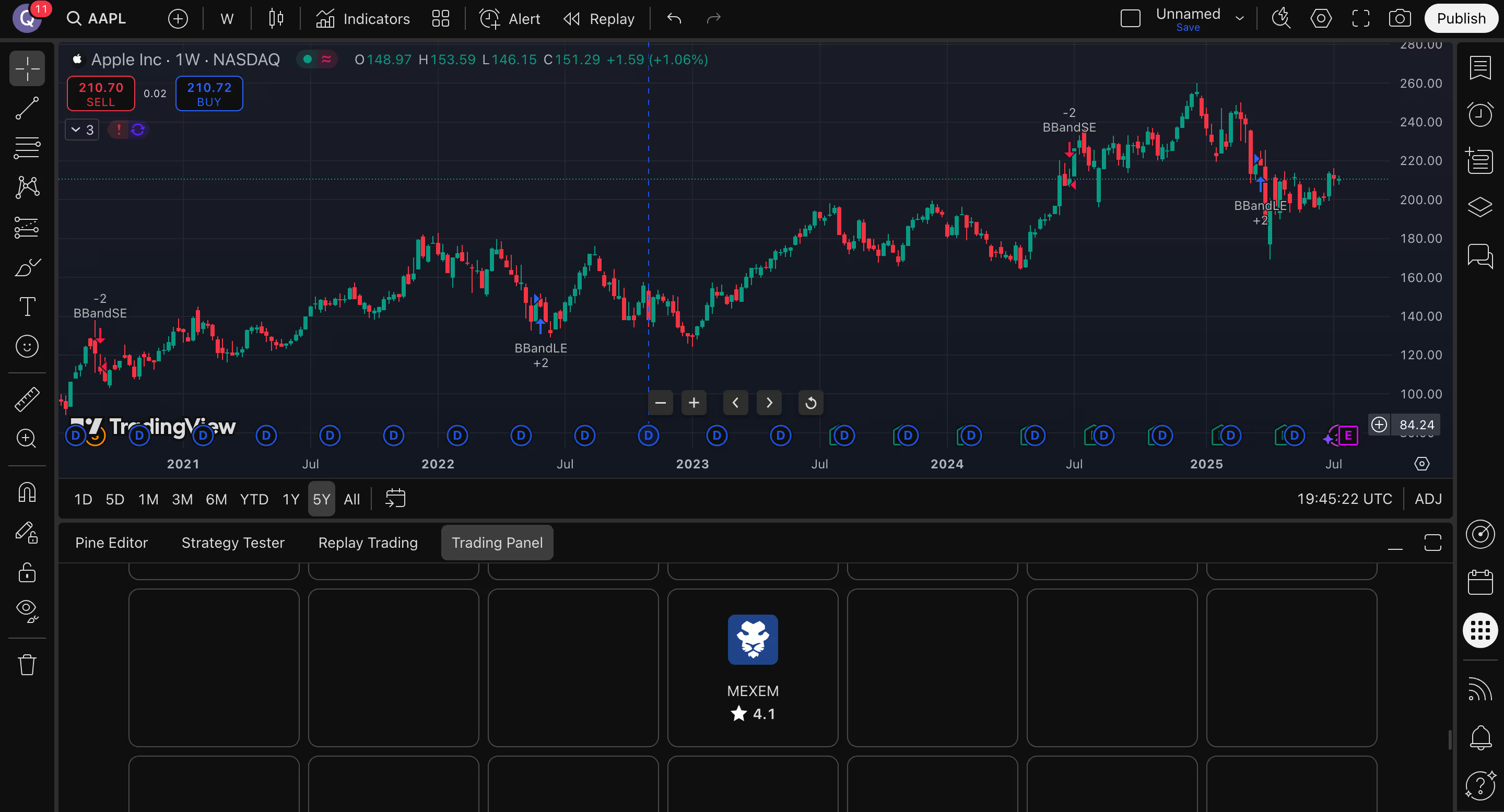
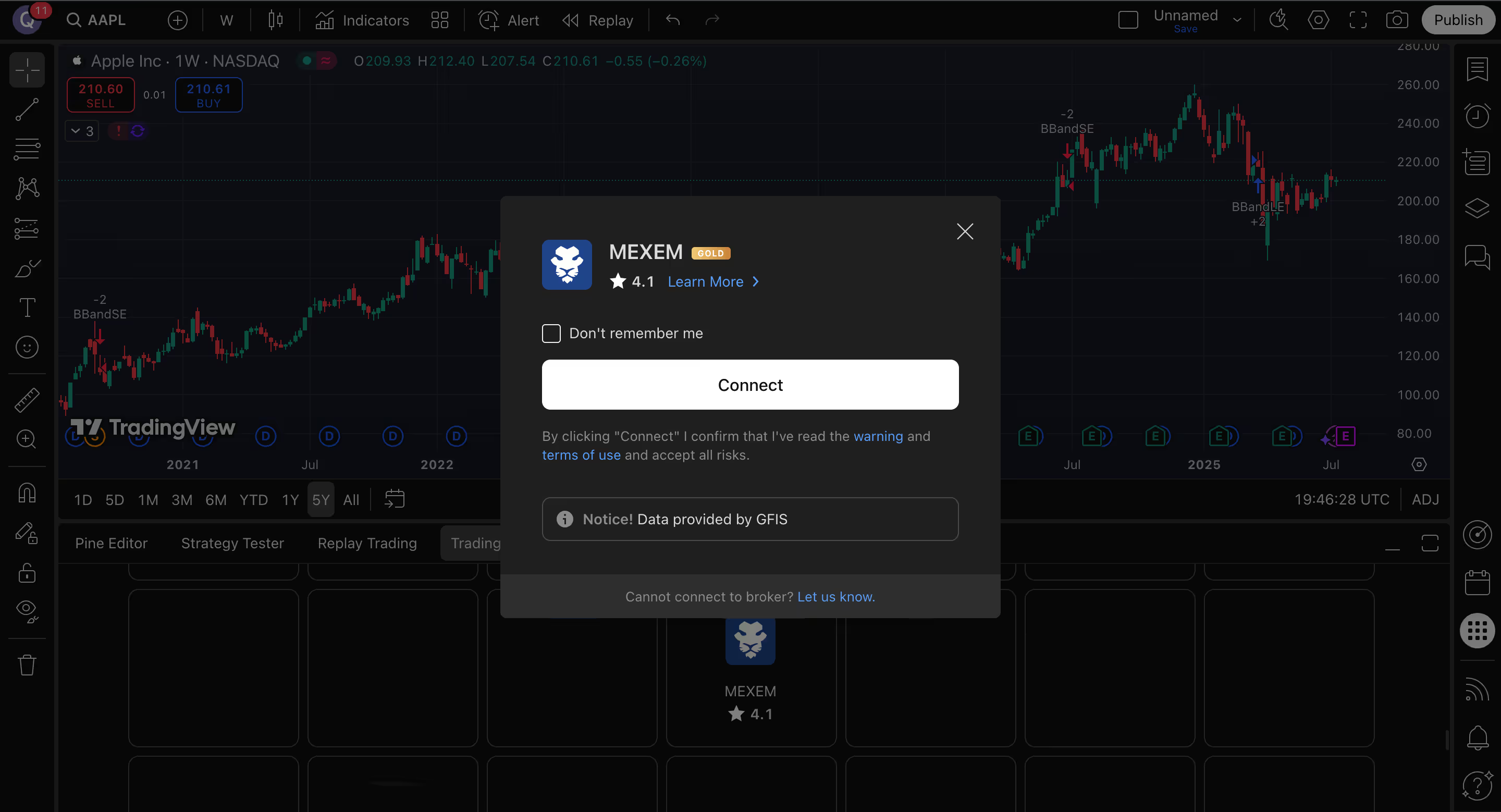
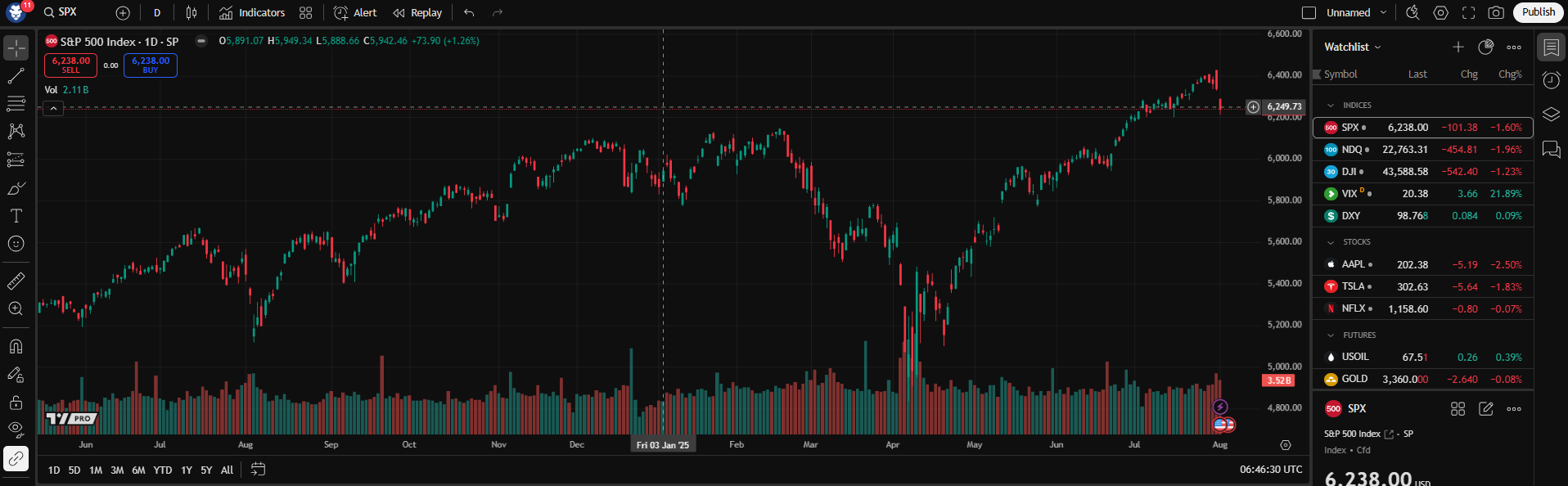
Open Supercharts, go to the Trading Panel, select MEXEM, and sign in with your MEXEM account credentials.
Yes. You need an active MEXEM account before connecting through TradingView.
Yes. Once connected, you can trade from TradingView’s Supercharts interface.
MEXEM’s TradingView lists access to instruments including stocks, futures, bonds and ETFs, subject to account type and regulatory permissions.
Yes. In the TradingView mobile app, users can connect their MEXEM account from the chart tab by opening More and selecting Connected Broker.
MEXEM provides access to market, limit, stop, and stop-limit orders, and its TradingView profile also notes support for bracket orders.
For platform-related help, visit TradingView Support. For account-related assistance, contact MEXEM support.

Open your Asset Management account
by JUNE 30 2026
Enjoy a 50% discount on our
1% management fee
PAY ONLY 0.5%
GET STARTED